A PDF app that changes documents, not just displays them
Merge two contracts into one, pull the pages you need out of a report, fill a form and sign it, get text out of a scan. Free readers cannot do this; paid ones charge every month for what you need once a month. Papir does it and charges nothing.
Version 0.1.39 · 48.6 MB · 64-bit Windows 10 or 11
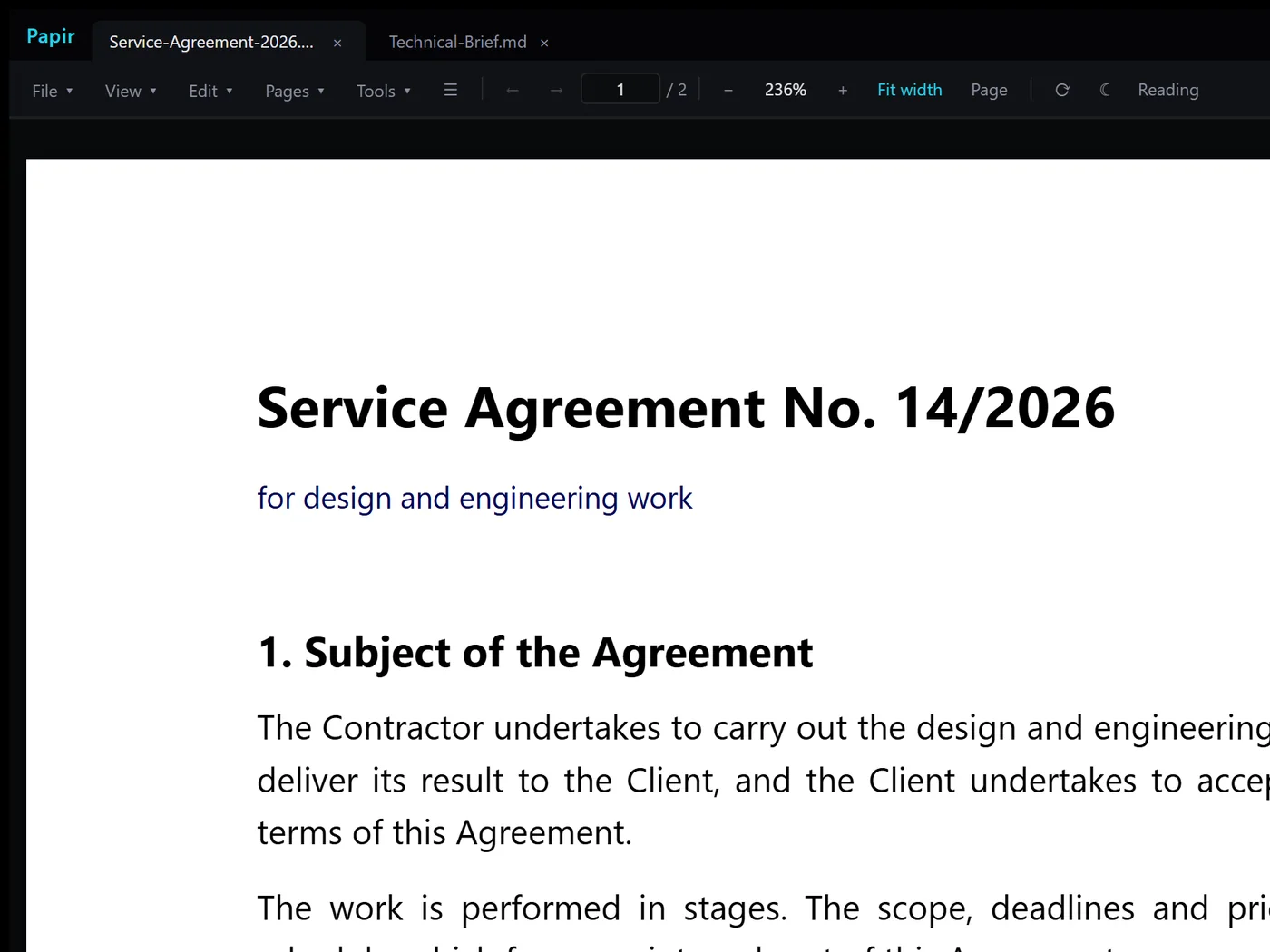
What it looks like


The same thing in your pocket
Papir for Android is not a cut-down copy but its own program for the phone: reader, markup, signing, document scanning with the camera. Documents stay on the phone — Android cloud backup is switched off for the app on purpose.


Version 0.21.4, 38 MB. Android 12 and newer. Installed from the file, bypassing Play — the phone will ask for permission.
SHA-256: 277241dfff0196cc3f03bb53813c19ed26b6ed0aff932b63cfdf98fd8e716b8d checksums
What it does
More than PDFs
Markdown, JSON, plain text, code with highlighting and images — same tabs, same window.
Edits, not just displays
Merge, split, reorder and delete pages, rotate, export a selection into a new file.
Forms, signatures, annotations
Fill fields, sign by hand, highlight and comment — with the option to remove annotations for good rather than hide them.
OCR for scans
A page that was an image becomes a page you can search and copy from.
Runs locally
Documents are sent only to an AI service or server you connect yourself, with your own key. Apart from that, the app goes online only for updates and models.
Free with no catch
No trial period, no watermarks, no ads, no account. Free forever — but the source is closed: free of charge and open source are two different things.
Windows will say “Unknown publisher”
The installer is not signed with a certificate yet — that costs money, and it is planned. Until then Windows shows a blue SmartScreen dialog. To continue: “More info” → “Run anyway”
To confirm you downloaded the right file, check its hash. In PowerShell:
Get-FileHash .\Papir-Desktop_0.1.39_x64-setup.exe -Algorithm SHA256SHA-256: 498d943ffca281e1b731374410aa18e23103cfbbf287d9f7ada56121435dfa3c
Why it exists
I wrote it to replace Foxit for myself: opening contracts in an app that shows ads got old. It started as a reader, then grew the things other apps charge for — merging, page editing, forms, signatures, OCR. I use it every day, so it gets fixed fast. It is free because it was already written.
Something is broken
Tell me — nearly everything in this app was fixed because someone complained. Report a problem. Sign in with Telegram; the reply arrives there.
A minute to install, nothing to pay
Version 0.1.39 · 48.6 MB · 64-bit Windows 10 or 11